Tuck Pop
Tuck. Pop. Smile. A calm block puzzle with a cute twist: drag blocks onto the board to close in the baby animals. When an animal’s space is small enough, it pops home and the blocks around it clear.
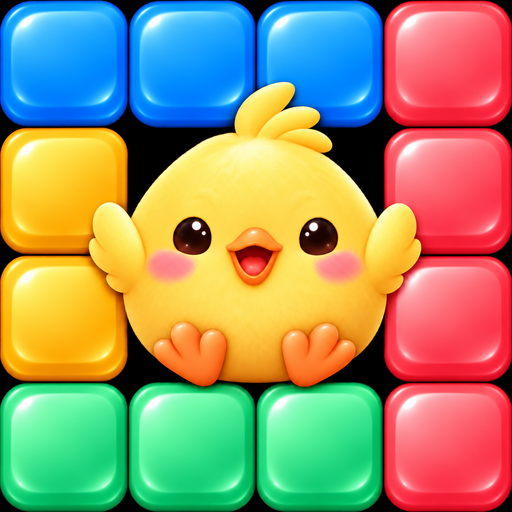 TUCK · POP · SMILE
A gentle puzzle you can play your way.
Use fewer blocks to earn more stars. No timers, no lives and no energy.
Tuck in the animals
Drag a block from the tray onto the board. Close in an animal so its space is small enough, and it pops home.
100 levels, 5 worlds
From Sunny Meadow to Lavender Hills, each world has its own baby animal and colours. New ideas arrive slowly.
Handy tools
Stuck? Undo a move, add +1 Block, ask for a Hint, or change a block in the tray.
Relax and play
Short levels that fit a coffee break, a Daily Reward, and a free Lucky Box after five plays a day. Plays offline.
Made for everyone
Text grows with your iPhone’s text size, VoiceOver describes the board, and shapes and patterns, not only colours, show where a block fits.
iPhone & iPad
Optional iCloud save keeps your progress across your devices. Available in 8 languages.
Need help?
Email us and we will get back to you. We will never ask for your password or payment details.
Report a bug
The easiest way is Settings → Support & Privacy → Contact Support in the game, which fills in your app version and device for you. Otherwise, please include the Tuck Pop app version, your iPhone/iPad model, iOS/iPadOS version, the level number and a short description of what happened.
Purchases
Purchases are handled by Apple. To restore Remove Ads, tap Restore Purchases in Settings. Coins and packs are used up when spent and are not restored. For refunds, use Apple’s Report a Problem page.
Ads
Automatic ads appear only after level 20, between levels, never during a level. Remove Ads turns them off. Videos for extra blocks or Coins are always optional.
Cloud Save
Cloud Save is optional and off until you turn it on in Settings. It uses your private iCloud storage. Your progress keeps working on your device if iCloud is unavailable.
Privacy
Read the Tuck Pop Privacy Policy. Where consent applies (for example in the UK and Switzerland), you can change your choice any time in Settings → Support & Privacy → Privacy choices. Privacy questions: [email protected].